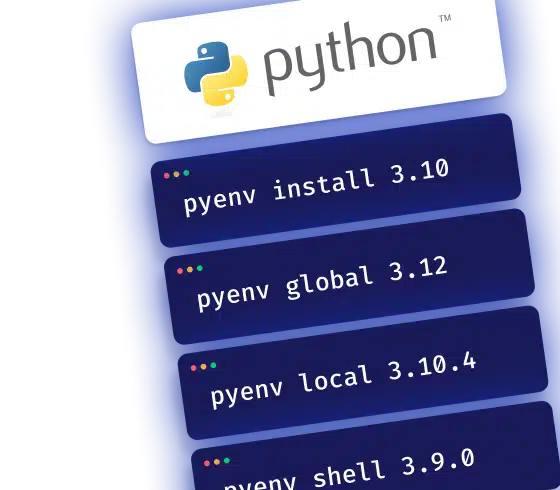

When you're juggling multiple Python projects, each pinned to a different version of the language, things get messy fast. A pip install breaks another project's dependencies, a library won't install on the wrong version... Pyenv fixes this: it lets you install multiple Python versions and switch between them without touching the system install.
Installing Pyenv
On macOS and Linux
Easiest way is Homebrew:
brew update
brew install pyenv
On Windows
Use WSL and follow the same steps as Linux. If you'd rather stay on native Windows, there's a dedicated fork: Pyenv-win.
Managing Python versions
Install a version:
pyenv install 3.10
List installed versions:
pyenv versions
Remove a version:
pyenv uninstall 3.10.4
Switching between versions
Pyenv manages three priority levels. This is what makes it practical day-to-day.
Global version (default for your machine):
pyenv global 3.12
Local version (specific to a project folder, via a .python-version file):
pyenv local 3.10.4
Temporary version (just for the current shell session):
pyenv shell 3.9.0
Local overrides global, and shell overrides everything. In practice, you'll set a global once, then a local per project.
Common issues
Pyenv not recognized
If your terminal can't find the pyenv command, the PATH isn't configured. Add these lines to your .bashrc or .zshrc:
echo 'export PYENV_ROOT="$HOME/.pyenv"' >> ~/.bashrc
echo '[[ -d $PYENV_ROOT/bin ]] && export PATH="$PYENV_ROOT/bin:$PATH"' >> ~/.bashrc
echo 'eval "$(pyenv init - bash)"' >> ~/.bashrc
Version installation error
Run pyenv doctor to find what's missing. Most often it's zlib or openssl not being installed.
Conflicts with Anaconda
If Anaconda is installed, it can take priority in your PATH. Make sure Pyenv comes first.
Permission issues
Check that your user has write access to the ~/.pyenv directory.